ملاحظات ميدانية
How to document a Foshan showroom visit for remote approval
Build a Foshan showroom evidence packet with item IDs, measured dimensions, material references and bounded decisions so remote buyers can review each claim.
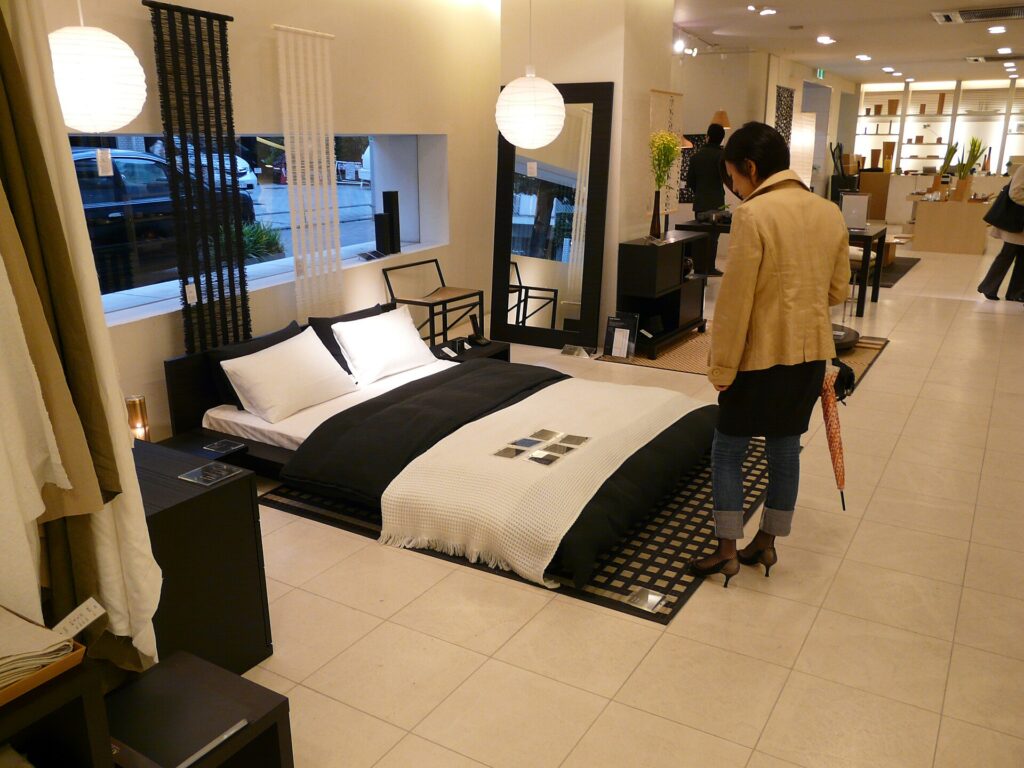
The short answer: send the remote decision-maker a one-item, one-visit evidence packet, not a stream of attractive showroom photos. Give the showroom, seller, displayed model and visit date unique identifiers; take permitted overview, label, dimension, material, detail and condition images; attach the written specifications and quotation separately; and mark each question observed, documented, claimed أو unknown. Ask the approver to choose approve for next step, approve with stated conditions, request more evidence، أو reject. A showroom visit can select a candidate, but its photos alone cannot approve hidden construction or a later production lot.
إنّ دليل سوق الأثاث في Foshan explains where different types of showrooms may be found. The remote video-call guide addresses live screening when the buyer cannot travel. This guide is the handoff between an in-person visitor and an overseas approver. Its eight genuine Wikimedia Commons photos illustrate evidence categories only; they are unrelated to Foshan, Source Foshan staff and any client visit. In an actual showroom, respect the host’s photo rules and substitute a shareable seller document where recording is not permitted.
.jpg)
Open with a visit header, not a product photograph
Create a header before recording an item: visit ID, local date and time, venue/building, entrance or booth, seller’s trading name, contact person, and the buyer brief revision. The booth name and the contracting seller may differ; record what is actually known and ask who would issue the quote and take payment. A map pin and contact card are more useful for follow-up than a photo of a mall atrium. If the visit is to a workshop rather than a mall, say so. Do not label a showroom as the producing factory unless the maker and site are separately established.
Give each displayed item a visit-local ID such as LC-05 / sofa 03. Photograph a displayed label with permission, then keep that image next to the item overview. If the seller supplies a catalogue code that differs from the floor label, record both and ask which one belongs on the quote. Put the target destination and room code on the packet cover only as needed; avoid circulating private client addresses, unnecessary personal information or full project drawings in a broad chat group.
The first page should answer what the remote person is being asked to decide. “Select a preferred sofa silhouette for a sample request” needs less evidence than “authorise an order of 60 sofas.” State the requested decision and deadline. If the delegate cannot gather enough evidence for that level of approval, narrow the request instead of decorating the packet with more photos.
.jpg)
Capture eight kinds of evidence, with permission
An eight-shot plan is a guide to coverage, not a demand to take eight photographs in a shop that prohibits photography. Each image or substitute document should answer a named question. Avoid treating a collage as a test report.
| Evidence slot | Frame or alternative | Question it answers |
|---|---|---|
| 1. Context | Booth or seller header, or written visit log | Where and with whom was this item seen? |
| 2. Item overview | Full item from useful angles | Which visible variant is under discussion? |
| 3. Identity | Model tag, catalogue page or seller’s written code | How will the later quote refer to this exact model? |
| 4. Dimensions | Tape at named measurement points, or dimensioned drawing | Does the displayed size meet the brief? |
| 5. Materials | Swatch with label and item, or material schedule | Which visible finish is shown and which is proposed? |
| 6. Construction | Permitted detail or maker document | What can be seen; what remains hidden? |
| 7. Condition | Any relevant variation, wear or defect with scale | Is the display item atypical or damaged? |
| 8. Commercial bridge | Dated quote or written follow-up reference | What product and scope will be offered? |
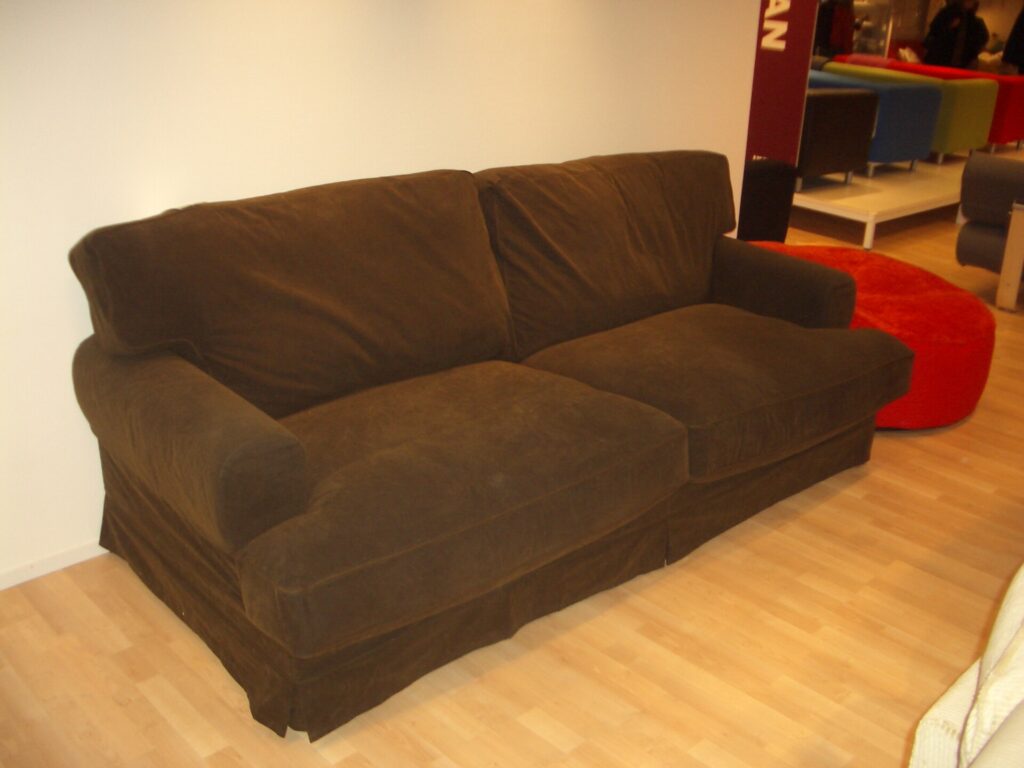
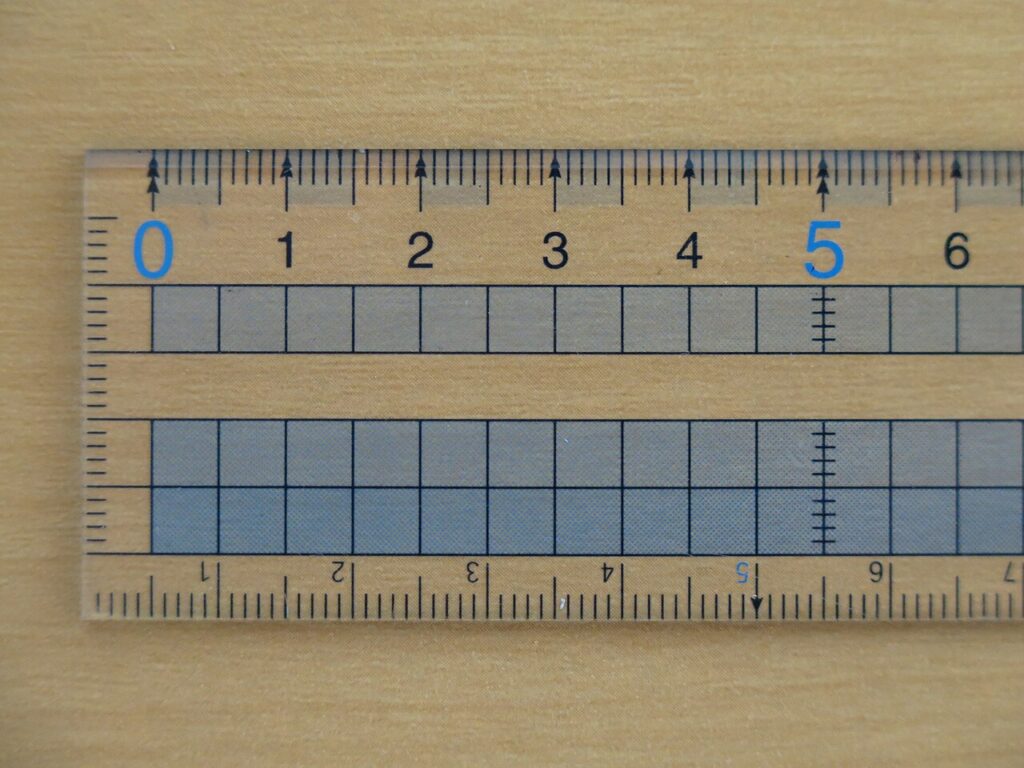
Record each image with a short caption: item ID / view / feature / date. For dimensions, write what the tape spans and whether it is the assembled item or a packed component. A photo of a ruler next to a sofa without a start and end point is weak evidence. If a detail cannot be photographed, request a labelled manufacturer drawing or note “not inspected.” Do not improvise a hidden-material conclusion from a surface appearance.

Keep claims separate from things you observed
Use a claim/evidence/unknown register alongside the images. Write the supplier’s claim in quotation marks or clearly attribute it, record what the visitor actually saw, then identify the missing document or test. Example: Claim: frame is kiln-dried hardwood; observed: upholstered exterior and one accessible rail; evidence requested: model-specific frame specification; status: unverified. Another example: Claim: fabric shown is the standard order finish; observed: swatch label F3 beside displayed sofa; evidence requested: quote naming F3 and any permitted substitution; status: conditional.
The four labels matter. Observed means the visitor directly saw or measured a defined feature. Documented means a traceable seller or maker document states it, within the document’s stated scope; it is not necessarily independently tested. Claimed means a person said it without a matching attributable document. Unknown means the visitor could not establish it. Do not quietly turn “claimed” into “documented” in a summary. The remote approver must be able to see exactly which facts are still open.
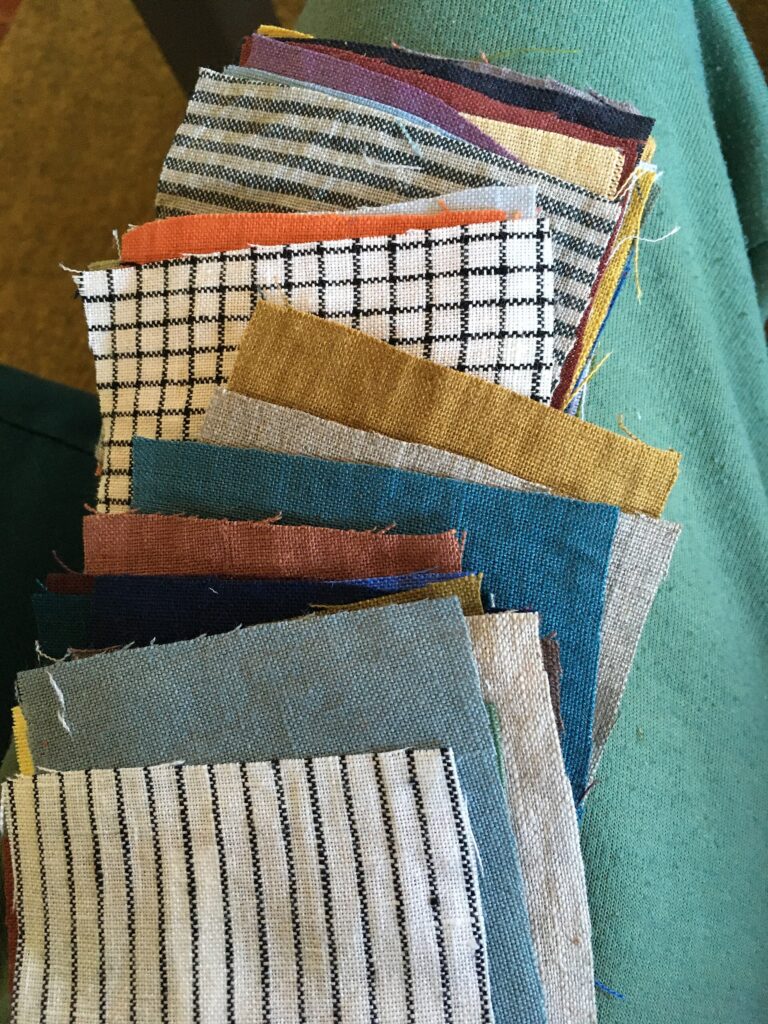
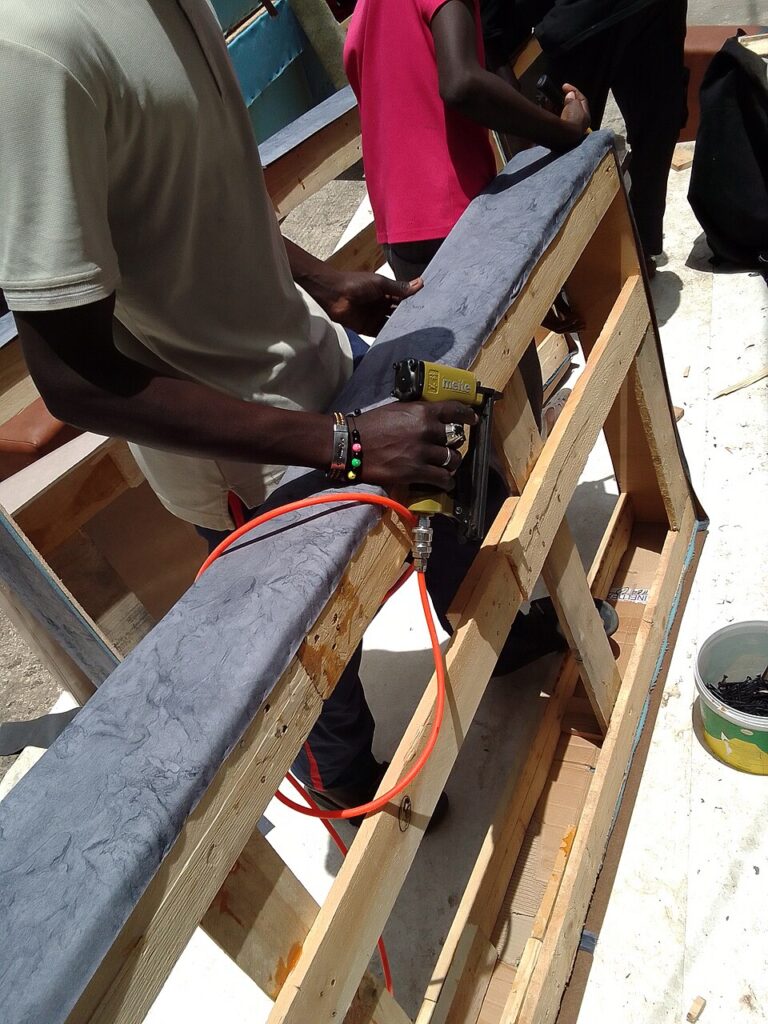
For colour and texture, record the swatch identifier and viewing conditions. A phone photograph can help screen a look, but camera processing and lighting can change perceived colour. Ask whether the displayed fabric is the order fabric, an optional upgrade or only an inspiration sample. If the target is a custom finish, a physical or documented sample approval step remains necessary. A photograph of an unrelated swatch, such as the illustration below, would never establish a supplier’s material identity.

Photograph details that change the purchase decision
The most useful detail depends on the product. For a sofa, it may be seam alignment, cushion access, leg fixing or modular connectors. For a dining chair, it may be joint geometry and clearance around the table. For a cabinet, it may be door alignment, hinges, substrate edge and appliance interface. Capture the reference in the same frame where possible, then write what the photo does not reveal. A hidden frame, foam density, coating system or test result usually needs a model-specific specification or later sample verification.
Ask before opening a component, removing a cushion or measuring a display. If the seller declines, record the access limit neutrally. It is not evidence of a problem, but it may prevent the buyer from approving a feature at this stage. Do not make a later factory or product claim from a showroom demonstration. A cutaway on display might demonstrate one construction method without proving that every order will use it. Ask the seller to identify the exact product version and how that method would be carried into production.
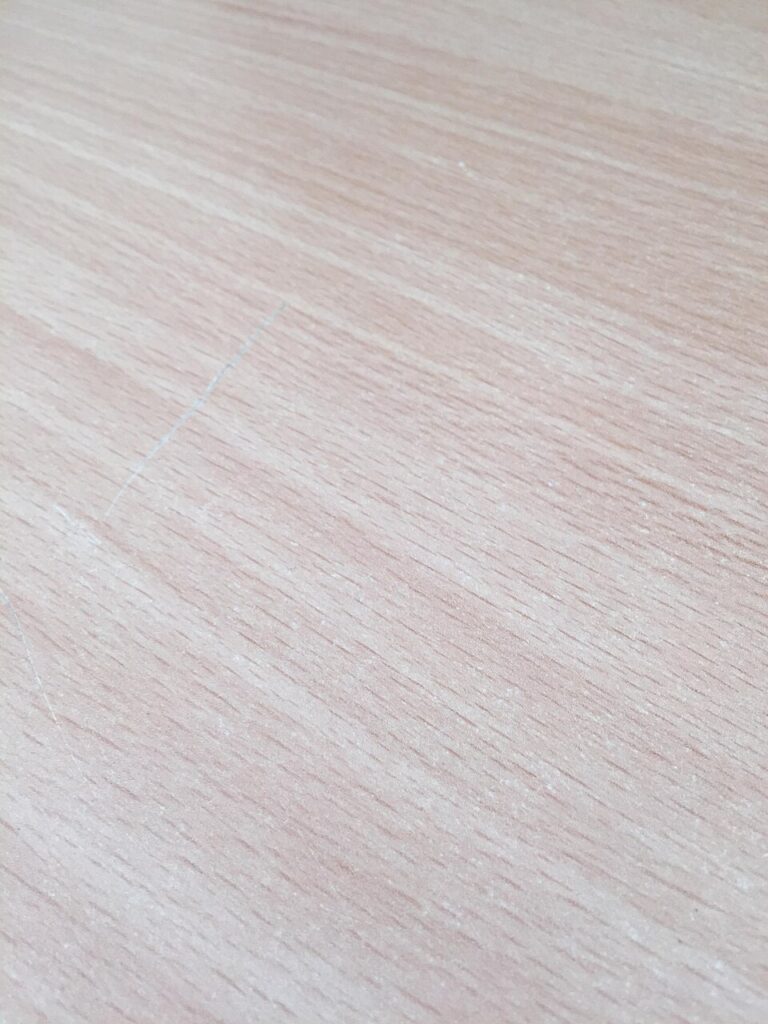
For a visible blemish, photograph it with scale and location, distinguish wear from an unknown manufacturing cause, and ask whether the item is a floor sample or current-production specimen. The remote buyer can then decide whether to disregard the blemish, request a fresh sample or ask for a tolerance. Do not allege a manufacturing defect merely because an unrelated photo shows a scratch.
.jpg)
Build a packet a remote approver can audit
Use a predictable folder structure: 00 decision card, 01 visit header, 02 item identity, 03 dimensions, 04 materials, 05 construction/details, 06 condition, 07 quotation/follow-up. Give files a stable item code and sequence number, such as LC05-S03-04-fabric-label.jpg. Keep the original image files when permitted, plus a smaller annotated set for quick review. Do not strip all context from photographs by cropping away the label or scale. Mark annotations as annotations, and never draw a line that implies a measurement you did not actually take.
Add a one-page index with three columns: question, evidence file, decision status. An approver should be able to jump from “Does this sofa fit the 2.2 m wall?” to the dimensioned drawing or a named measurement, not browse 80 chat images. If a document arrives later, version the index and keep the earlier one so you can tell what the buyer knew at each decision. Put the raw seller quote in the commercial folder and the visitor’s interpretation in the decision card; do not rewrite the quote as if it came from the seller.
إنّ inspection report sample guide is useful for a later stage: assessing a product against agreed acceptance criteria. A showroom packet is earlier and narrower. It helps select candidates and plan what to verify before an order. If the remote buyer asks for production approval from this packet, show which criteria have no evidence and propose a pre-production sample or document gate.

Ask for a bounded decision, not a thumbs-up emoji
Close the packet with four decision options: approve for next step, approve with conditions, request more evidence، و reject this candidate. Define the next step—request sample, negotiate a model-specific quote, commission a drawing, or proceed to a technical review. A casual “looks good” message should not be recorded as permission to substitute material, release production or send a deposit unless that exact decision and authority were requested and confirmed.
For each condition, include owner, required evidence و deadline. Example: “Approve silhouette for a fresh sample only; seller to provide fabric F3 swatch and model-specific frame sheet; project buyer to review both before order release.” This tells the showroom what to produce and stops the delegate from filling the gap with their own inference. If the buyer rejects, record whether the reason is fit, cost, missing evidence or simply preference. That makes the next showroom visit more efficient.
A first-person Xiaohongshu account by a buyer in New Zealand describes asking for real-item videos, detail photographs and live video calls while choosing furniture remotely. The account’s claims that responsive sellers are more trustworthy, that a shipment arrived well, or that a shipping cost structure applies broadly are personal impressions and not proof. Its useful question is how a remote buyer sees beyond polished display pictures. A separate first-person Foshan visitor account describes going to a showroom and finding some expected display items absent on that visit. These observations support an evidence packet that clearly states what was and was not actually shown; they do not verify any supplier. See the remote buyer note و Foshan visitor note for their original personal context.

A fictional 12-chair approval example
Imagine a designer visits a Foshan showroom to evaluate a dining chair for a 12-chair overseas project. They can photograph the front, back and underside, measure seat height and width, and record a displayed fabric code. The salesperson says the order will use a “stronger frame” than the sample but has no drawing that day. This is an invented example, not a report about an actual seller. The packet labels silhouette, visible stitching and measured dimensions observed; the supplied catalogue page documented for the printed model family; the stronger-frame statement claimed; and the intended production frame unknown.
The remote client approves فقط proceeding to a maker-specific drawing and swatch review. They do not approve 12 chairs for production. When the drawing arrives, the delegate links it to the visit item ID and notes any geometry changes. If the maker later produces a pre-production chair, its inspection must refer to that controlled drawing and selected material, not merely a showroom photograph. If the client dislikes the altered frame geometry, the decision remains open. This workflow is more precise than asking for more photos without identifying the missing evidence.
Send the decision card back to the visitor and seller with the same item code and brief revision. Ask the seller to correct any mismatched model identity in writing before a quote is compared or a deposit requested. Your next action is to close the named unknowns, not to collect decorative photos. A good packet makes the remote buyer’s approval appropriately small, explicit and traceable.


Photo credits and limits
Each linked caption names the photographer, original Wikimedia Commons file and licence. These eight photographs are unrelated examples; none records the hypothetical Foshan visit, a Source Foshan team member, a supplier’s material, a client chair or an approved product. In an actual visit, document permission, location, date, item and photographer before using project images publicly or in a purchasing decision.